Executive
LinkedIn / resumes / websites
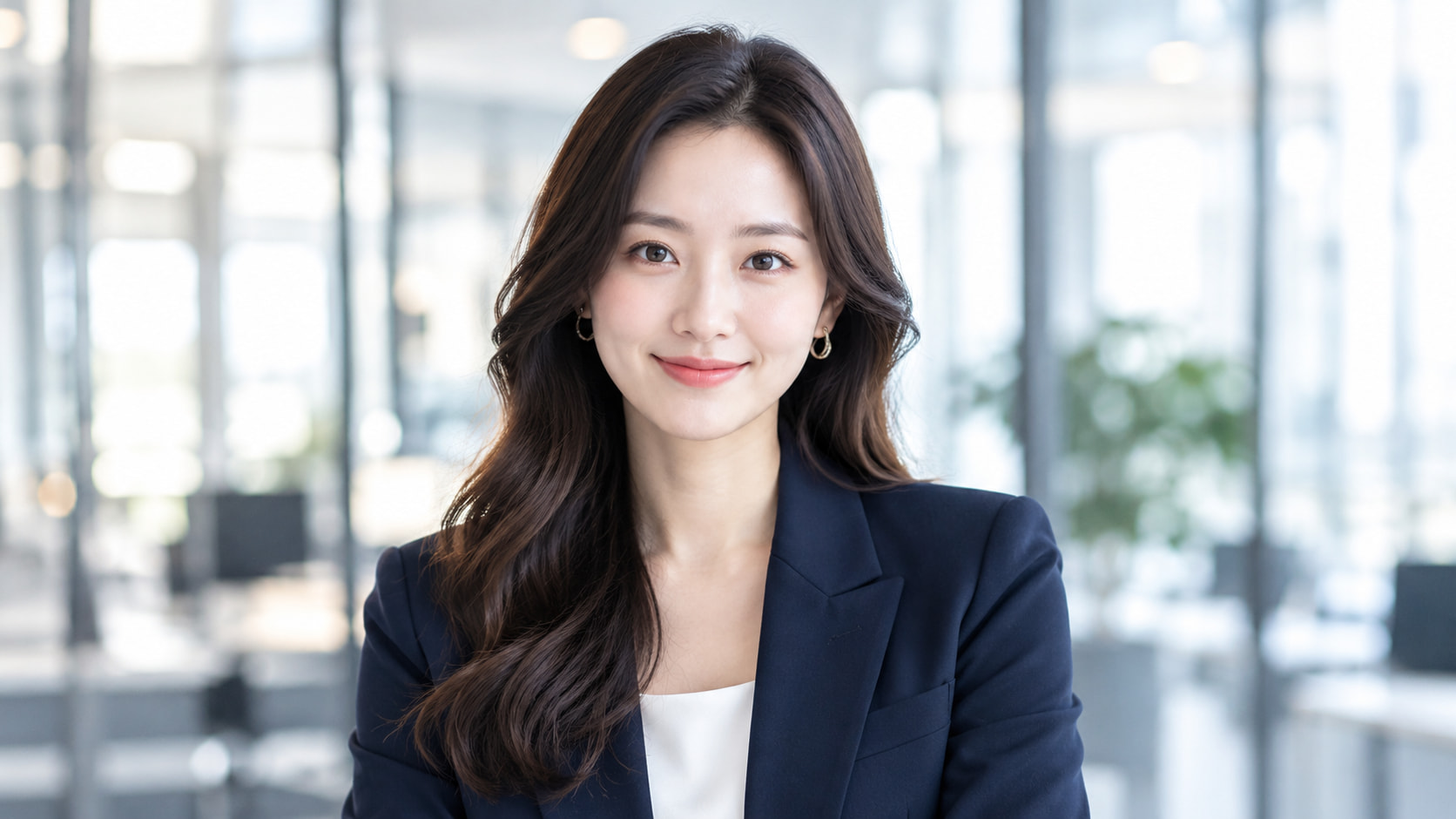
Turn a selfie into professional headshots online. Create a fresh look for your career, personal brand, and online presence.


Style inspiration
LinkedIn / resumes / websites
Companies / meetings / talks
Creators / design / media
Social / teams / everyday work
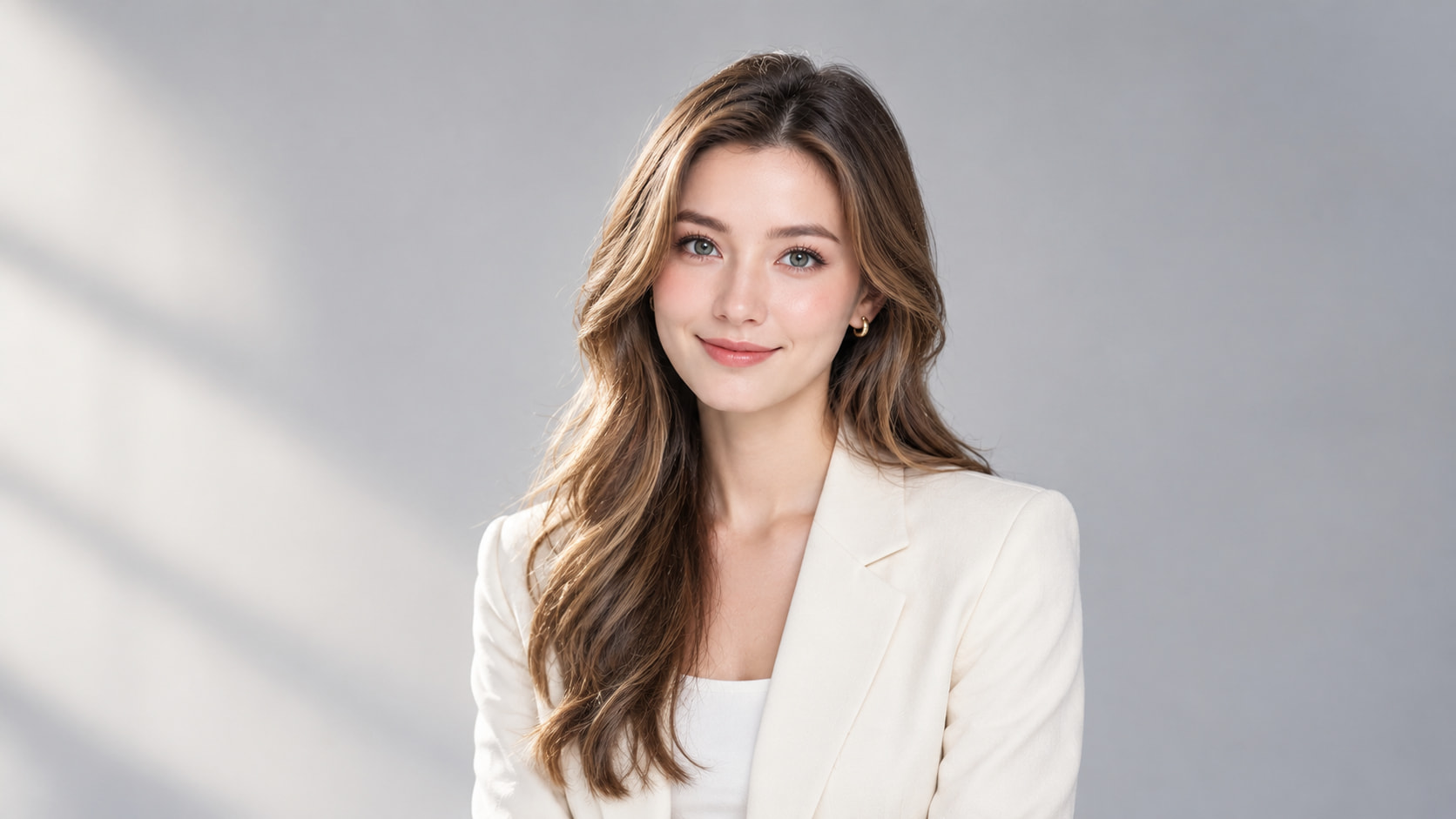
Studio / Polished / Professional
Same you. New possibilities.
Your profile photo should reflect who you are today. Our AI headshot generator turns an everyday selfie into a professional portrait, giving you a current image for career opportunities and personal introductions without arranging a new photoshoot.
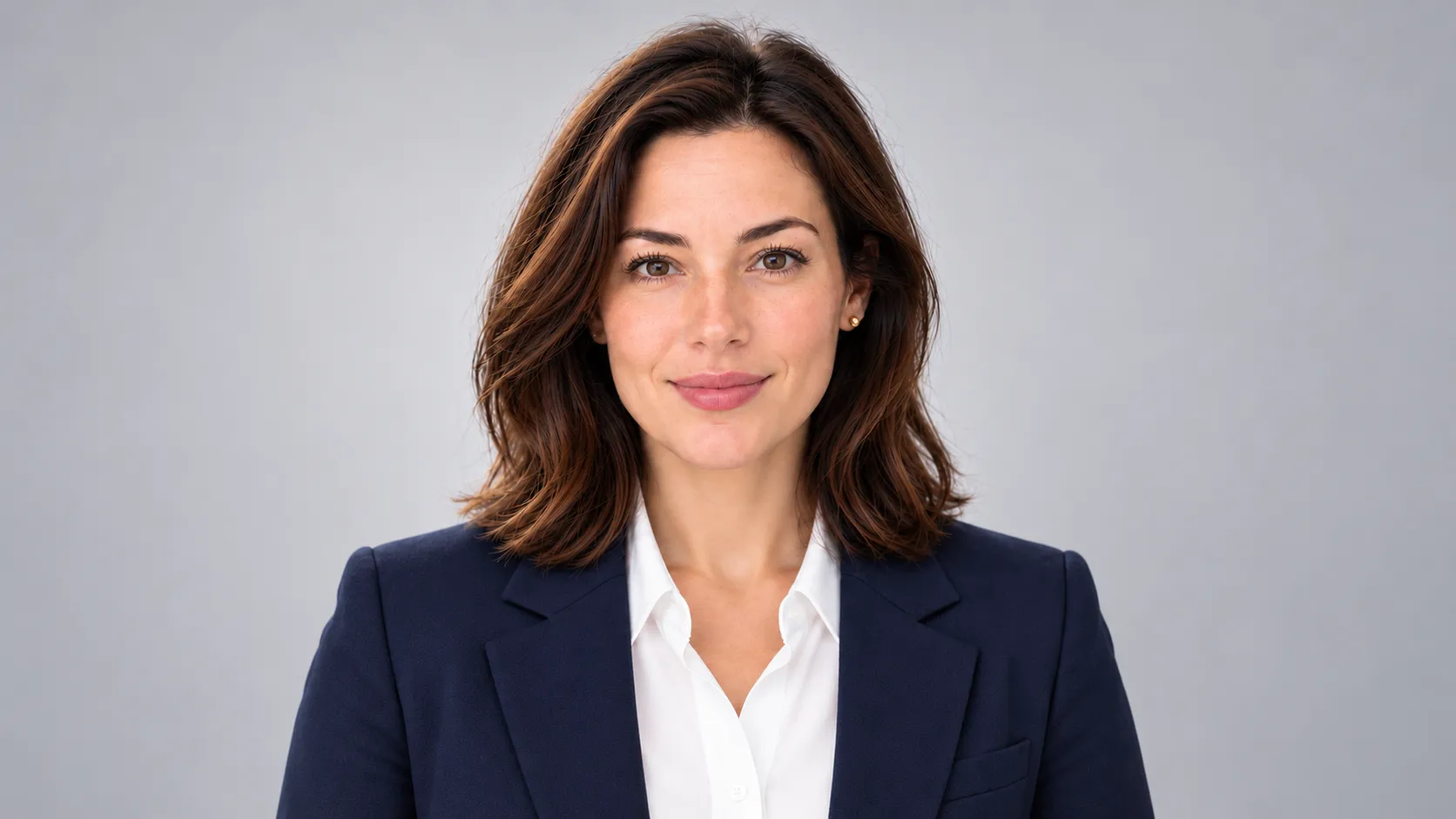
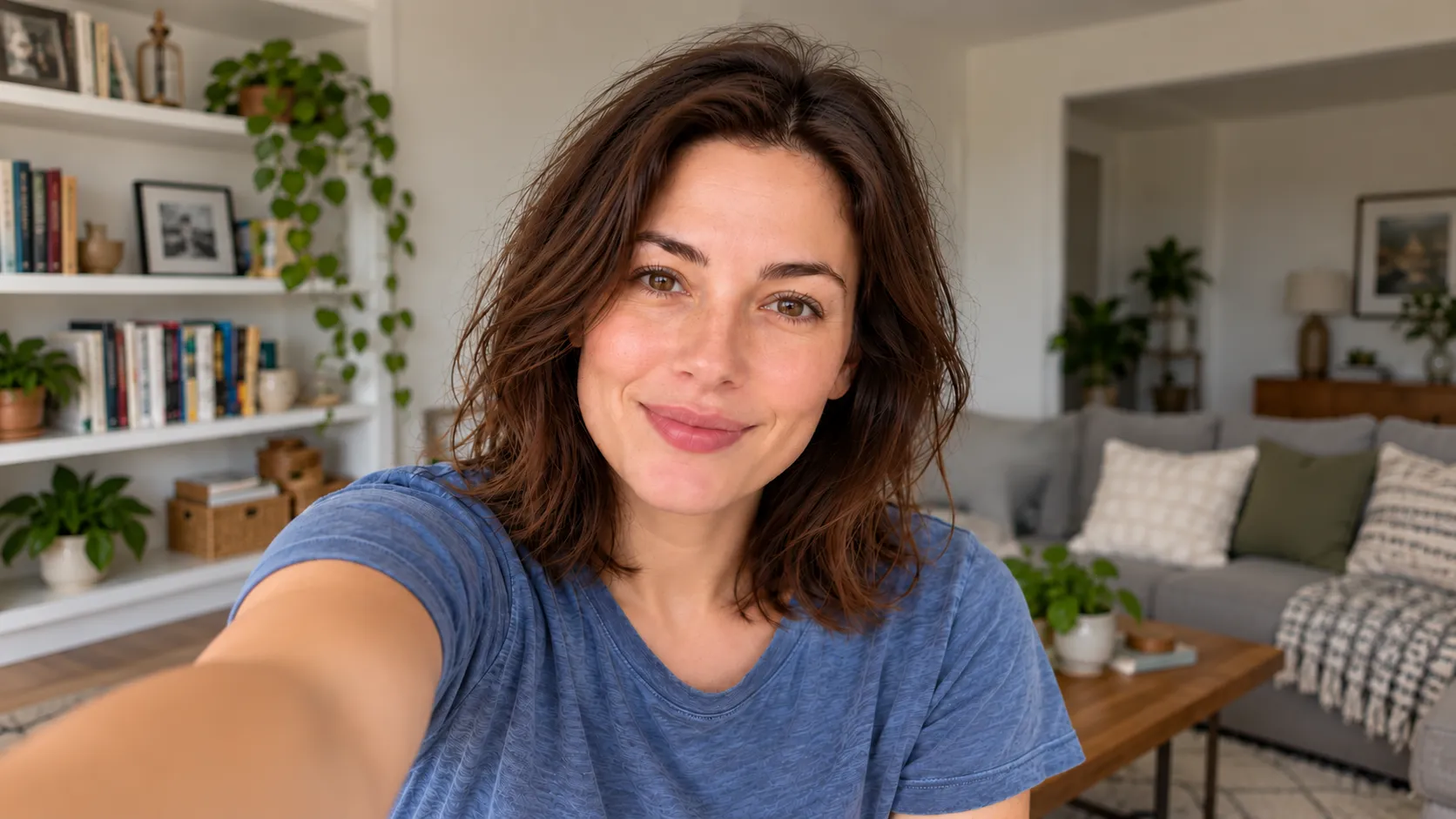
Illustrative comparison of the same stock photo. Crop only; not an AI transformation.
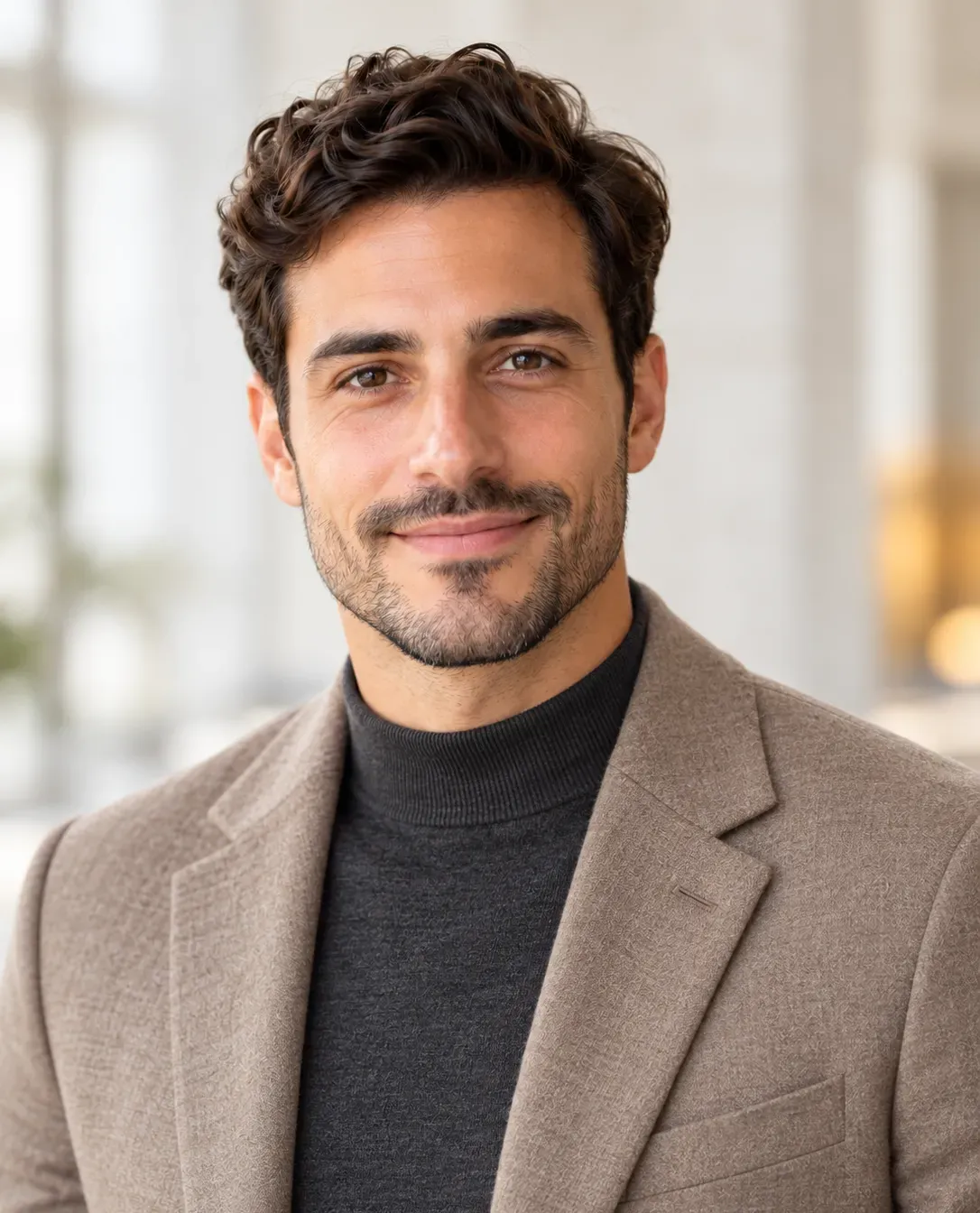 For your next big move.
A professional portrait takes more than a tighter crop. Use the AI headshot generator to change casual clothing and distracting surroundings into a coordinated professional look, using your uploaded photo as the facial reference.
Create My Professional HeadshotLess hassle. More possibility.
Start with one clear photo. Create a professional portrait from a recent selfie without collecting multiple images from different angles.
Choose formal business, business casual, or creative styles. Find a professional look that fits your role and how you present yourself.
Choose white, light gray, office, or outdoor settings. Give your portrait a clean backdrop or a setting that adds context to your work.
Select square, portrait, or landscape proportions. Create a professional profile picture for LinkedIn, a company bio, or your personal website.
Your career. Your kind of confidence.
Where the photo will appear should guide how it looks. Use the AI headshot generator for a specific destination, from a small profile picture beside your name to a larger portrait introducing your work.
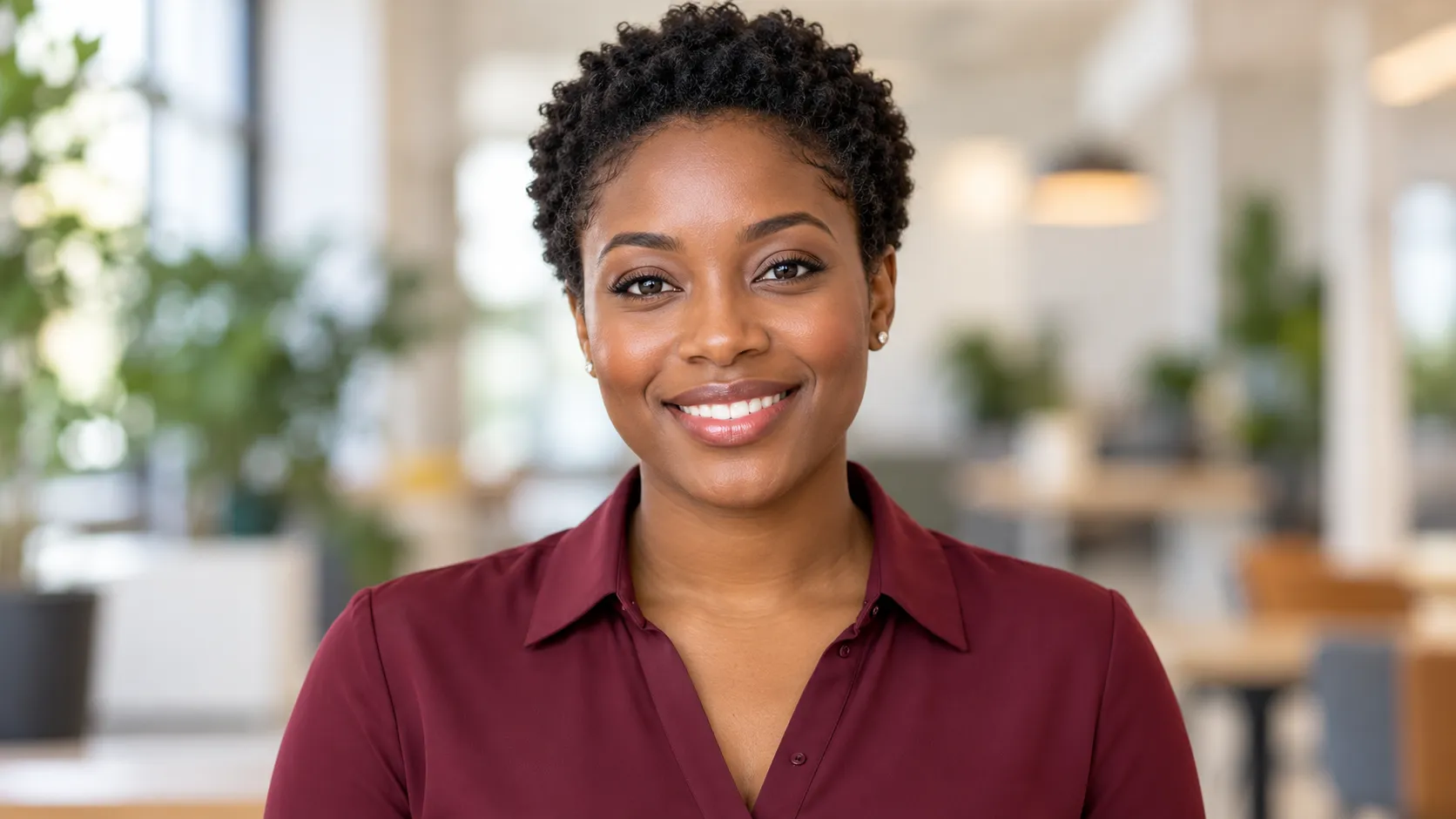 Executive↗
Replace an old selfie or cropped group photo with a current professional profile picture. Present a recognizable image when recruiters, colleagues, and new connections visit your profile.
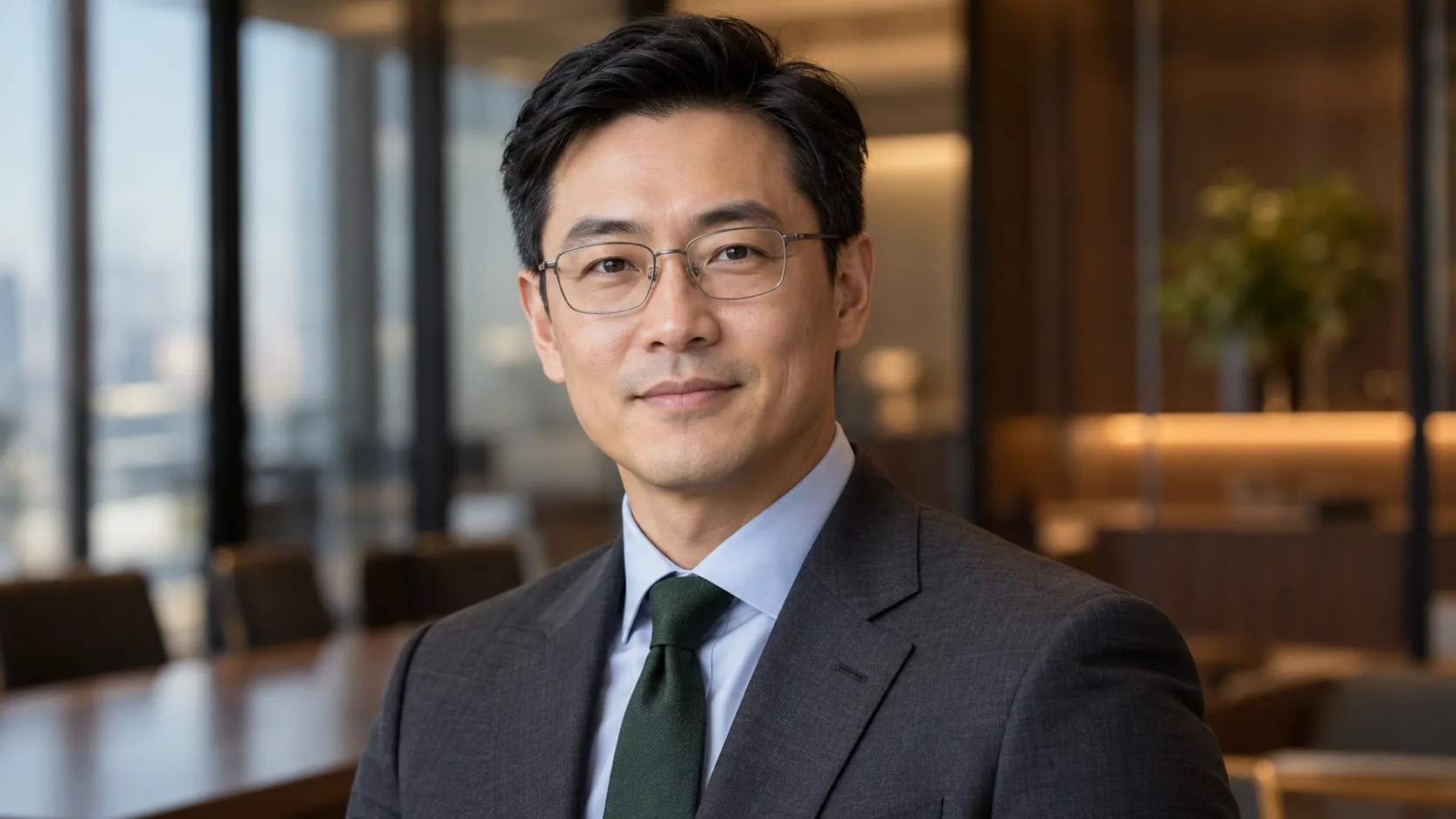 Leadership & Corporate↗
Give prospective clients a clear introduction to the person they will work with. Create a business portrait that reflects your role and suits the professional relationships you want to build.
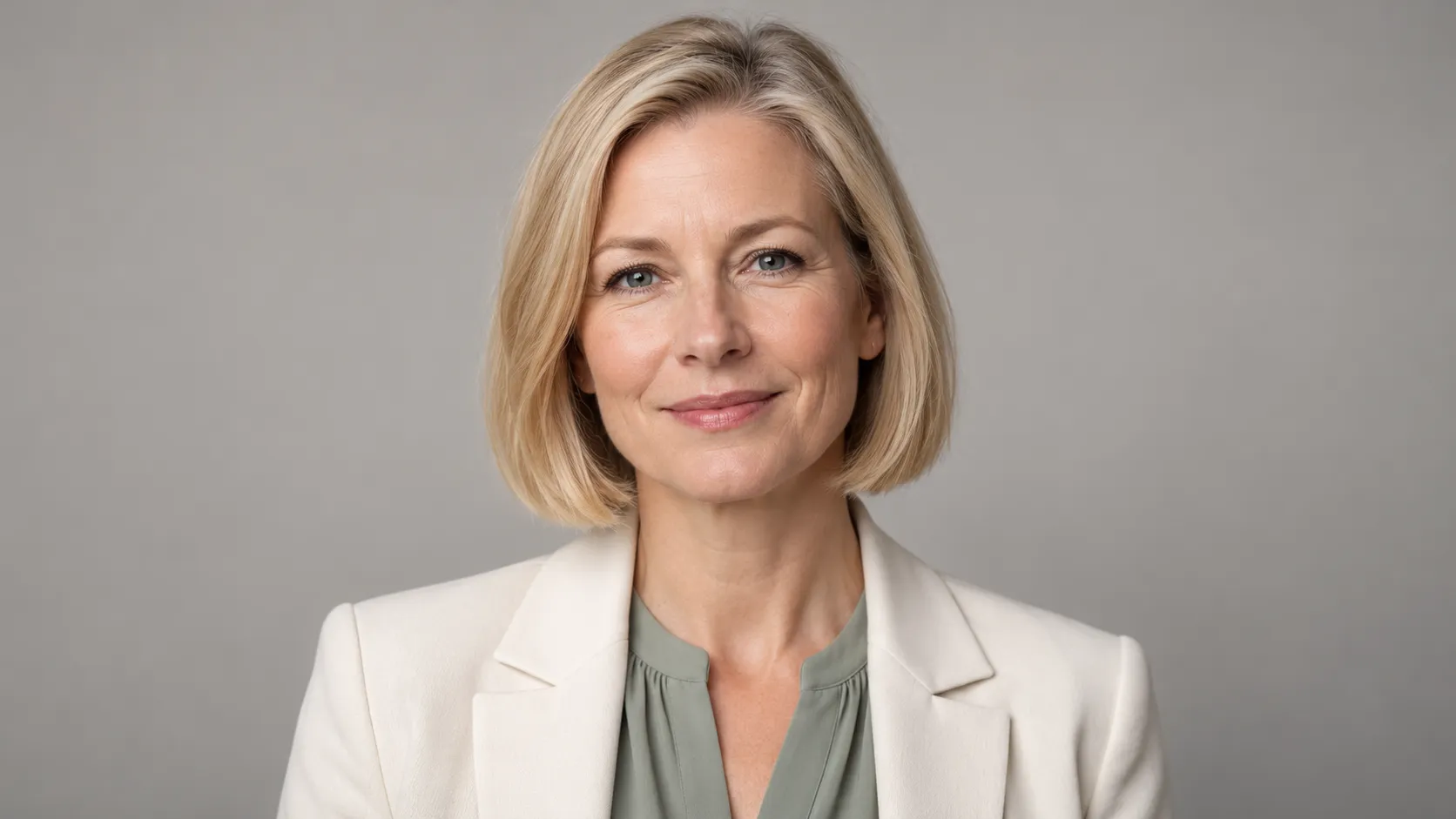 Company↗
Create a portrait for your team biography or leadership page. Refer to the website’s existing image style when selecting your background and framing, so your photograph sits comfortably alongside the other people featured.
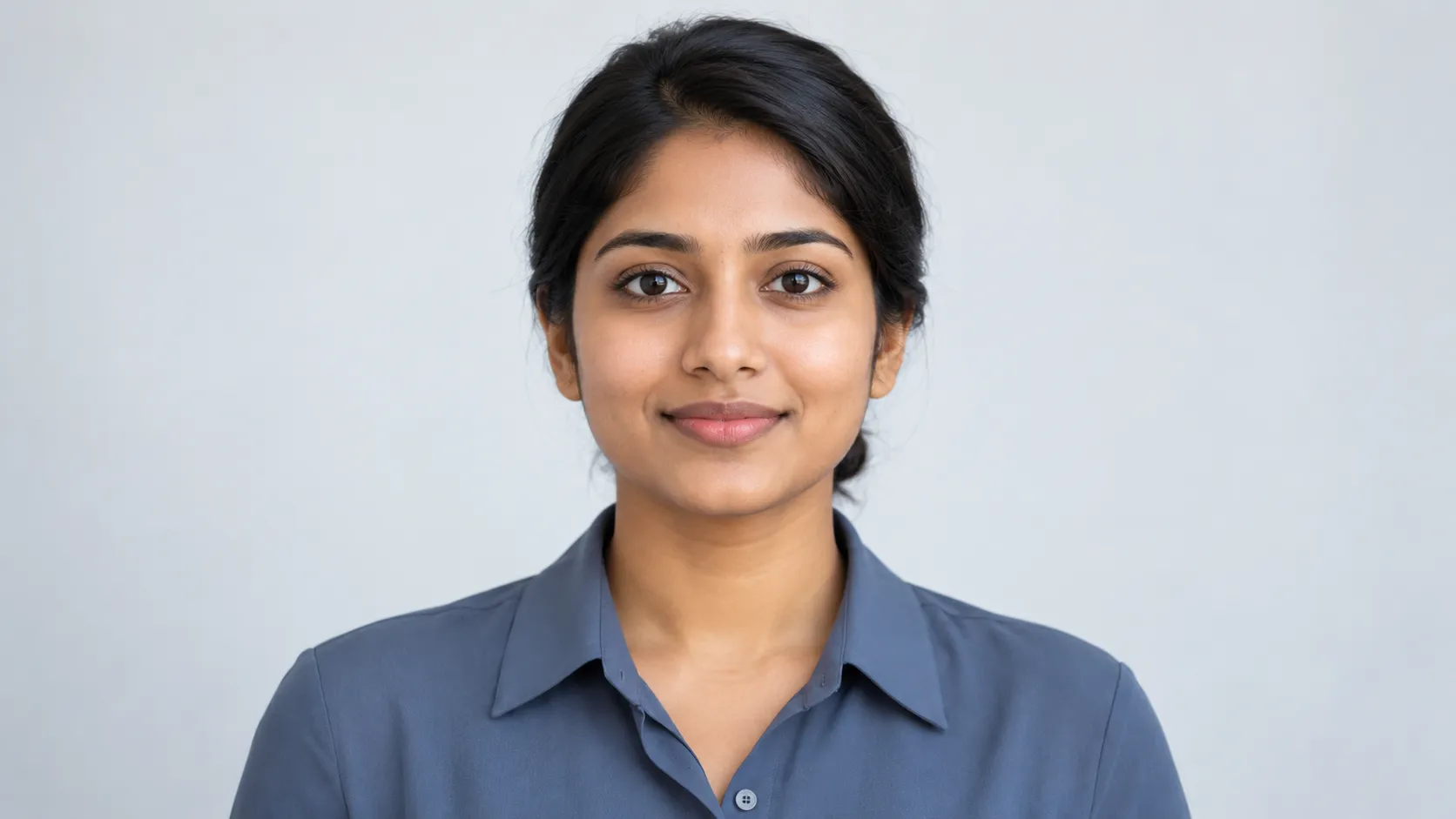 Resume↗
When an application requests a photo, create a recent portrait that presents you clearly and professionally. Follow the employer’s requirements and choose a restrained look that complements your qualifications.
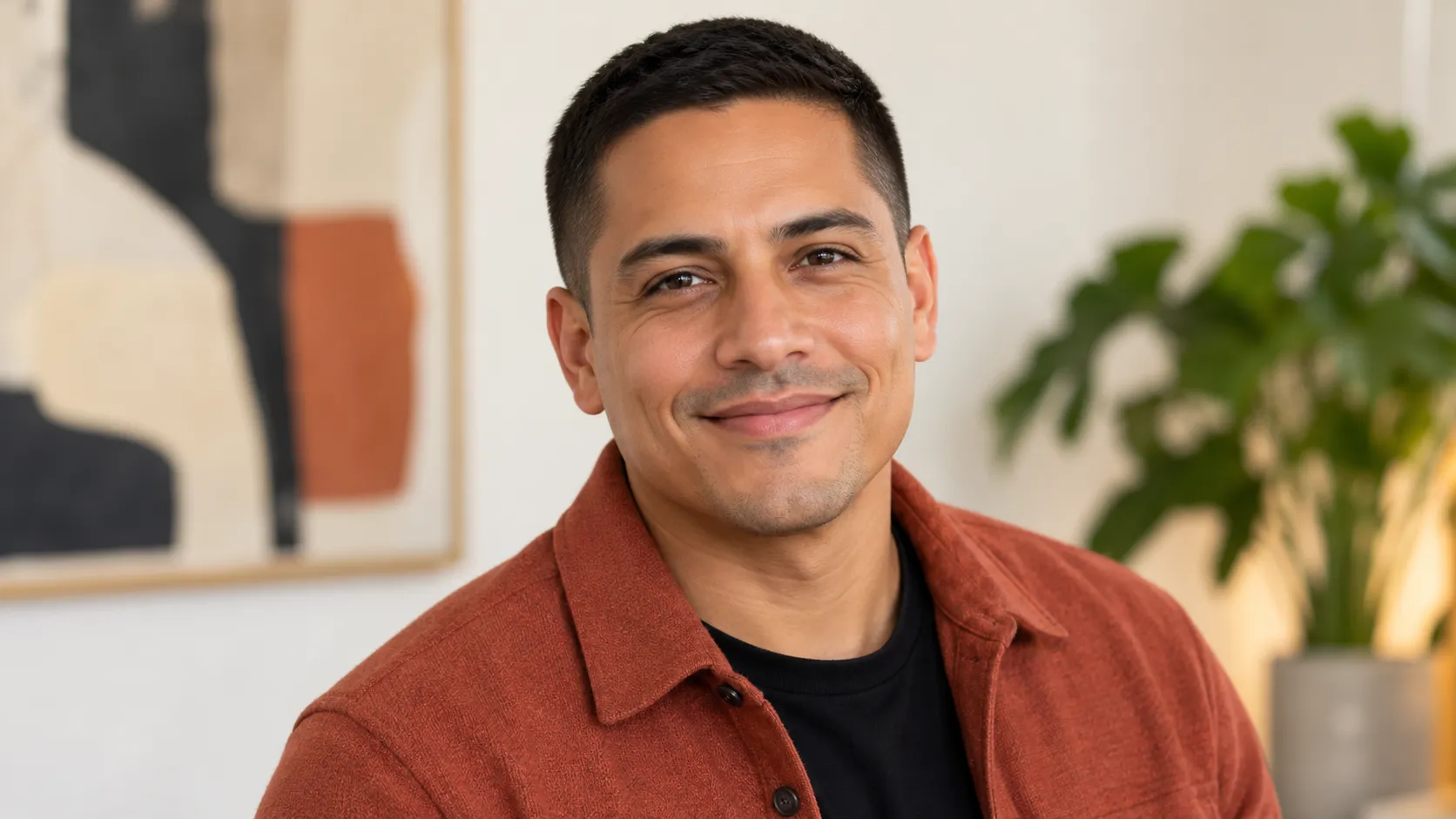 Warm↗
Give event organizers and publishers a current portrait for your biography. A dedicated headshot makes it easier to prepare conference introductions, podcast guest pages, and author profiles without searching through personal photos.
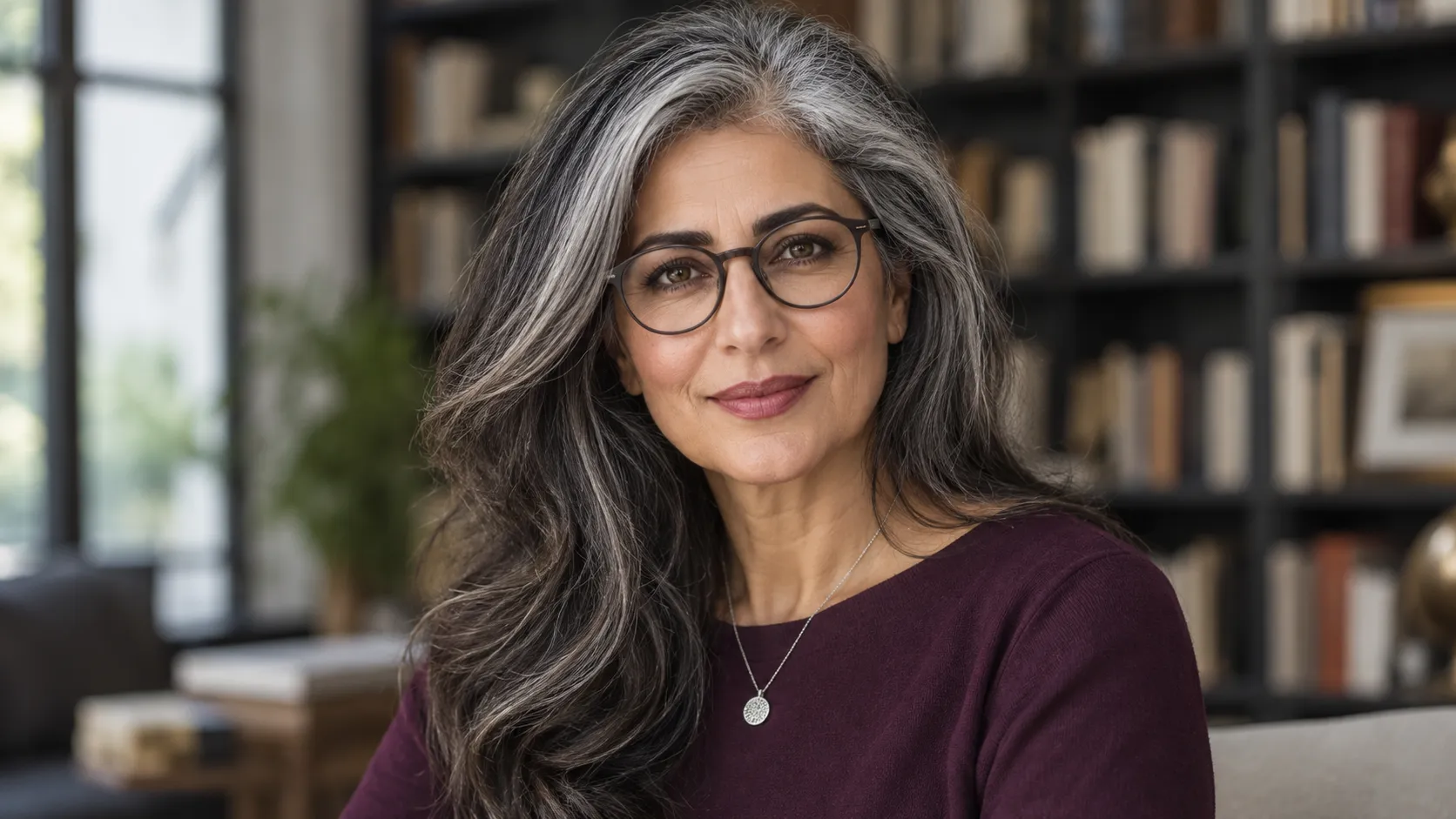 Professional↗
Create a consistent professional image across your personal website, email signature, and social profiles. Choose a recognizable look that helps people connect your name, face, and work wherever they find you.
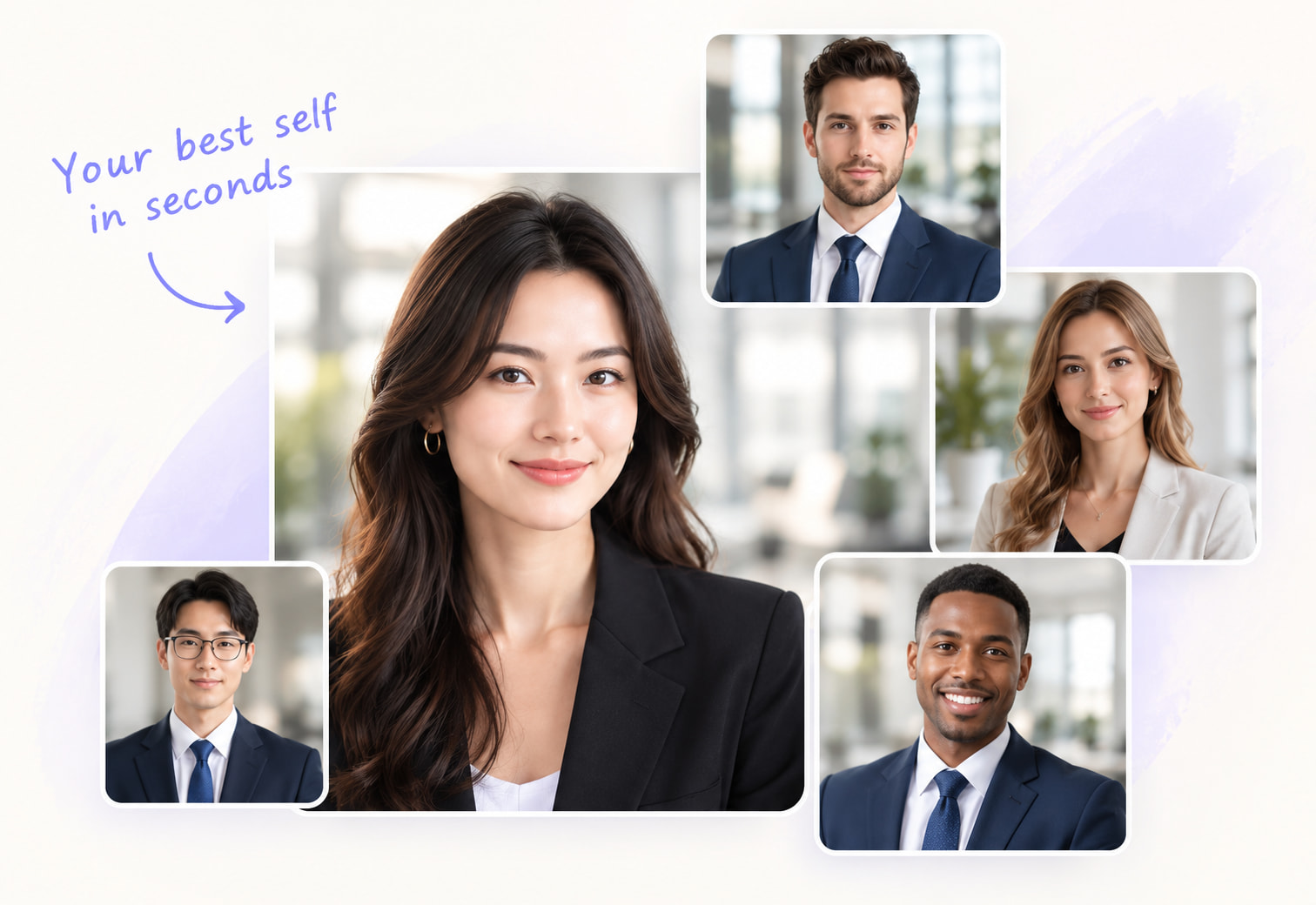
Six starting points for unique professionals. Styles can be mixed and matched to fit your role.
JUST THREE STEPS
Create a professional headshot online in three steps.
Use one clear JPG, PNG, or WEBP photo, up to 10MB.
Select your headshot style, background, and image ratio.
Generate your portrait, then review the result.
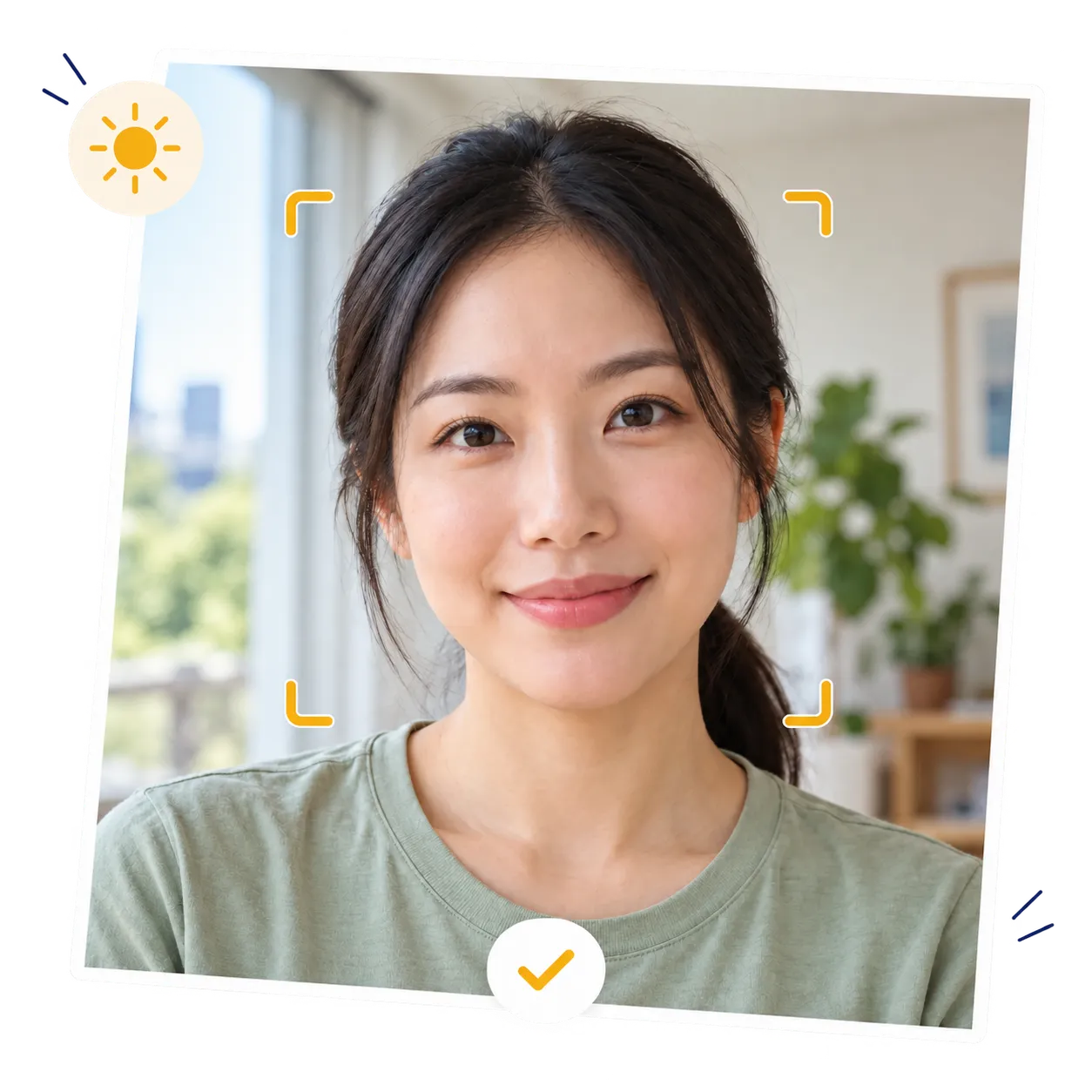
Stock photo · Upload inspiration
A great result starts with a great selfie.
The AI headshot generator uses your photo as a reference. Choose a recent image with clear facial details to give your professional portrait a better starting point.
A little more clarity
Get answers about creating AI headshots, choosing photos, and using your results.
An AI headshot generator creates a professional portrait from an existing photo, using your face as a reference while changing elements such as clothing and background. HeadshotGPT lets you guide the result through preset styles and optional instructions.
Yes. You can create professional headshots online using the available free credits. Check your balance and the credits required before generating. Additional generations depend on your remaining credits and the current usage limits.
Upload your photo to the AI headshot generator and select a style suited to your intended use. Choose the background and ratio, then generate. You can add a short instruction if you want a particular outfit or expression.
Your uploaded photo is the reference for your AI headshot. A clear, recent image gives the tool more useful facial detail to work from. Check the finished portrait against your original, especially your eyes and face shape, to choose a result that represents you accurately.
Yes. You can create a professional LinkedIn headshot from your own photo. Choose a square format and leave room around your head for the circular crop. A simple background helps your face remain recognizable when the picture appears beside comments and messages.
Yes. You can generate business headshots for company biographies, personal websites, and applications that request a photo. Match the style to the destination, and choose a result that reflects your current appearance. Check any photo requirements before adding it to an application.
Use one sharp, recent photo with your face fully visible and evenly lit. A front-facing image without heavy filters is a good starting point. The professional headshot generator accepts JPG, PNG, and WEBP files up to 10MB.
No. A casual photo is enough to get started, provided your face is clear. Choose a business or formal headshot style to guide the new look. You can also describe a clothing preference in the optional prompt, then check the generated outfit before using the image.
No. The AI headshot generator works from your photo and preset selections. Add a prompt only when you want to specify something beyond those options, such as a clothing color or facial expression. Keep instructions short and specific.
Yes. Choose a white or light gray background, an office, a business setting, or an outdoor scene. Available ratios include automatic sizing, 1:1, 3:4, 4:3, 16:9, and 9:16. Pick the shape that fits your intended layout.
Start with an unfiltered photo and choose a style close to how you normally present yourself. Keep optional instructions simple. Review the portrait at full size, paying attention to skin texture, glasses, hair edges, and clothing details before publishing it.
You've got places to go.
Use the AI headshot generator to update the photo people see first. Start with a recent selfie and create a portrait that reflects how you want to introduce yourself today.
Try the AI Headshot Generator Your first photo. Your next opportunity.